
Totally forgot about this thread - mine worked for all of 2 days and then the new capacitors blew. I'm guessing its an inherent problem with the PSU or some dodgy transistor. Been sitting in my cupboard since as I can't be bothered ordering another £10's worth of capacitors and such. Unless you have spare parts lying about - go and buy a new one - else try using higher resistances. - Peace out
zer0n
October 2008 |
seemed fine, been running it for 13 months with no problems, then started to notice bright green pixels on any dark area, this suddenly increased, literally, to any dark onscreen area, now whenever this damm thing is on the whole screen is alive with bright green dancing pixels. Any ideas anyone?? (Apart from the homemade explosives that is!!) ;-)
soni burden
August 2008 |
I have one of these things it used to work intermittently until yesterday. It does seem to want to work at all now.
When putting my ear to the monitor when plugged in, it makes a slight hissing sound as if the power is getting to it still. But pressing the On/Off switch no longer has any affect.
Would replacing the Caps in my case solve this problem to you think? A couple of them are bulging slightly at the top...
Would appreciate a reply if possible. :)
Thanks
DejaVu
April 2008 |
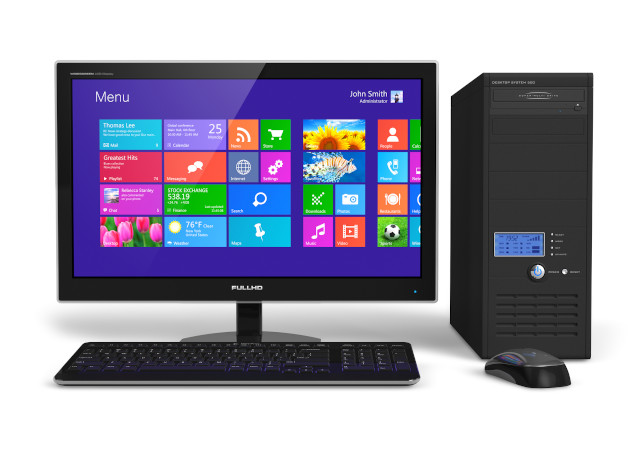
Could some give me some advice in taking this monitor apart? I've removed 2 screws at the back of the case & but the front seems to be held in tight at each corner. I'm worried about breaking something if I force it.
tia
clank
October 2007 |
Hi
I have the same problem...
Replaced ALL the capacitors on both boards and WOOT it worked...
for 1 day then it started playing silly buggers again.
Previously it was easy to see the capacitors that had blown however now they all look fine.
(I'm sure a read during my ardous Google search, that the caps were made by a company renowened for making dodgy components, who only remained in business for 2-3 years)
Therefore I'm assuming that other than the capacitors there is something else tripping the circuitry.
vlf125-
What is the deal with the Inverter/Invertor? What is it and where is it? Does that require to be replaced?
Would love to get this working for longer than 24 hours :P
ty in advance
zer0n
October 2007 |
Thanks for this thread, I have a Proview MA-782KC with exactly the same problem, backlight going off after 5 secs, I could find nothing wrong with the invertor section. However after reading this thread I replaced ALL the elctrolytics.. HEy Presto the monitor now works fine. Thanks
P.S. I USed quality 105 deg jobs, replaced 6 x 470u 25V 1 x 220u 25V 2 x 100u 25V and 2 x 10u 50V
Pete Sapwell
July 2007 |
any chance vlf125 you could be a little more specific as i'm faced with no noticable failing capactitors ..
thx for any advice
rsin
July 2007 |
ok the problem is the electrolitic caps in the power supply and inverter it seems to be a common fault with this monitor i got one from a friend and i changed the caps for panasonic 105 deg type and its now working ( the psu and inverter are on the same PC board ) PS change all the caps ot just the ones that look bad ( ie the top bulgeing up ) its worth it there a nice monitor
vlf125
July 2007 |
Take it to the woods and blow it up with home made explosives.
Seriously though I have the same monitor and have been having the same problem.
Darren
June 2007 |