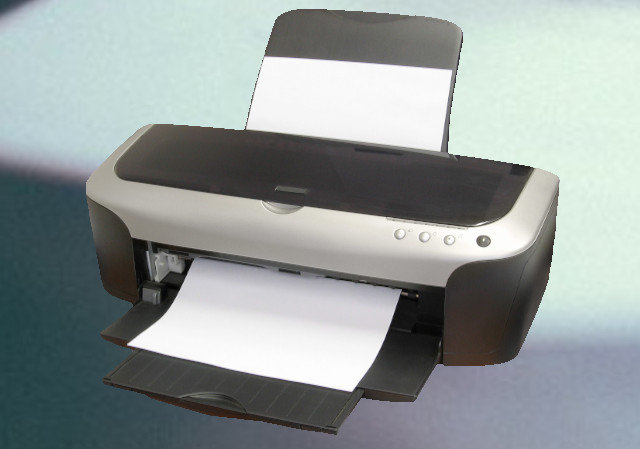
A "Printer error occurred" on the Epson Stylus Photo RX620 often indicates a mechanical jam, scanner error, or cartridge recognition issue. Power cycle the printer by unplugging it for 5 minutes to reset internal sensors. Check for jammed paper, ensure ink cartridges are seated properly, and clean the scanner glass.
Common Troubleshooting Steps for RX620 Errors:
Clear Jams & Obstructions: Open the scanner unit and check for jammed paper or debris obstructing the print head carriage.
Reset the Printer: Turn off the printer, unplug it, and wait 5 minutes before restarting to clear temporary errors.
Cartridge Issues: If a cartridge is not recognized, re-seat it. If using third-party inks, they might be triggering a lockout.
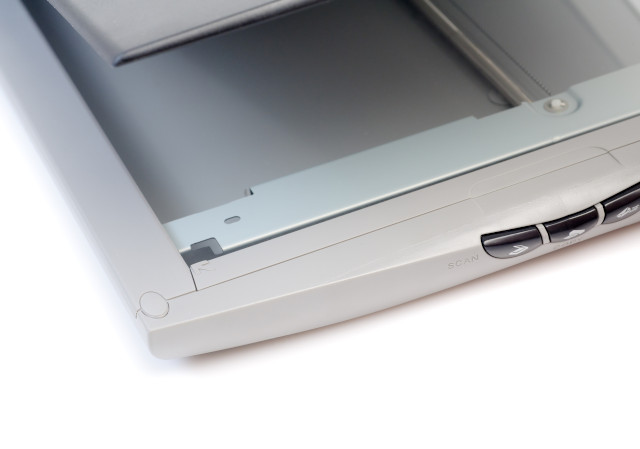
Scanner Error: If the scanner is causing the error, check the scanner lock switch and ensure the scanner ribbon cable is not damaged.
Waste Ink Pad: If the error is permanent, the waste ink pad counter may have reached its limit, necessitating a reset via software or professional service
Dhfbfn
March 2026

 howtomendit.com for free repair help, information and advice.